
GPL-3.0-or-later · 0.10.1, beta · Linux, Windows, macOS, browser
sharkfin
Open-source configurator for keyboards built on ROYUAN hardware: Attack Shark, Akko, Epomaker, MonsGeek, Ajazz, Hator, ikbc and others. Remap keys on a picture of the board, set the lighting, paint per-key colour, record macros, set the switches on magnetic boards, and back the settings up to a file. 1412 boards are in the registry.
The browser build needs Chrome, Edge or another Chromium browser. Writes need a USB cable. Linux needs a one-line udev rule unless a package installed it. Beta: export a backup before rearranging things.
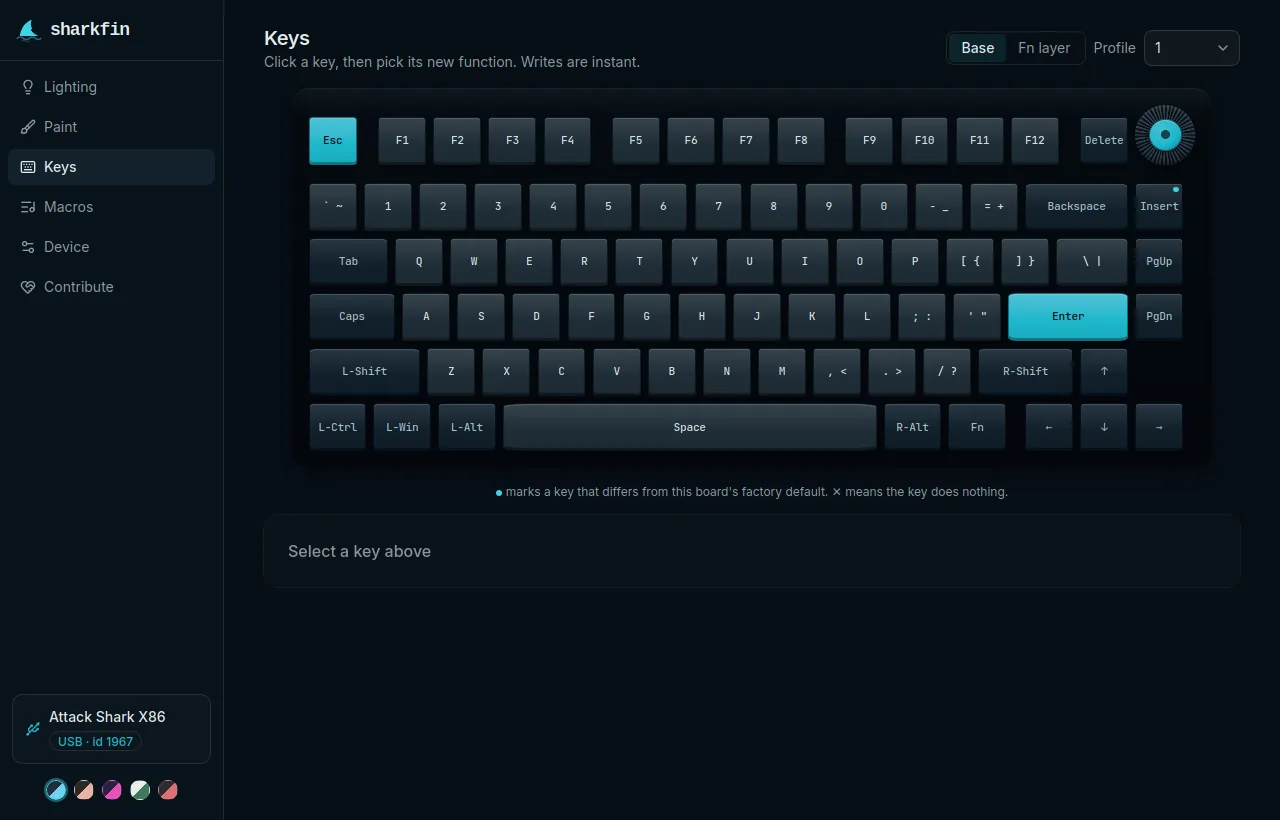
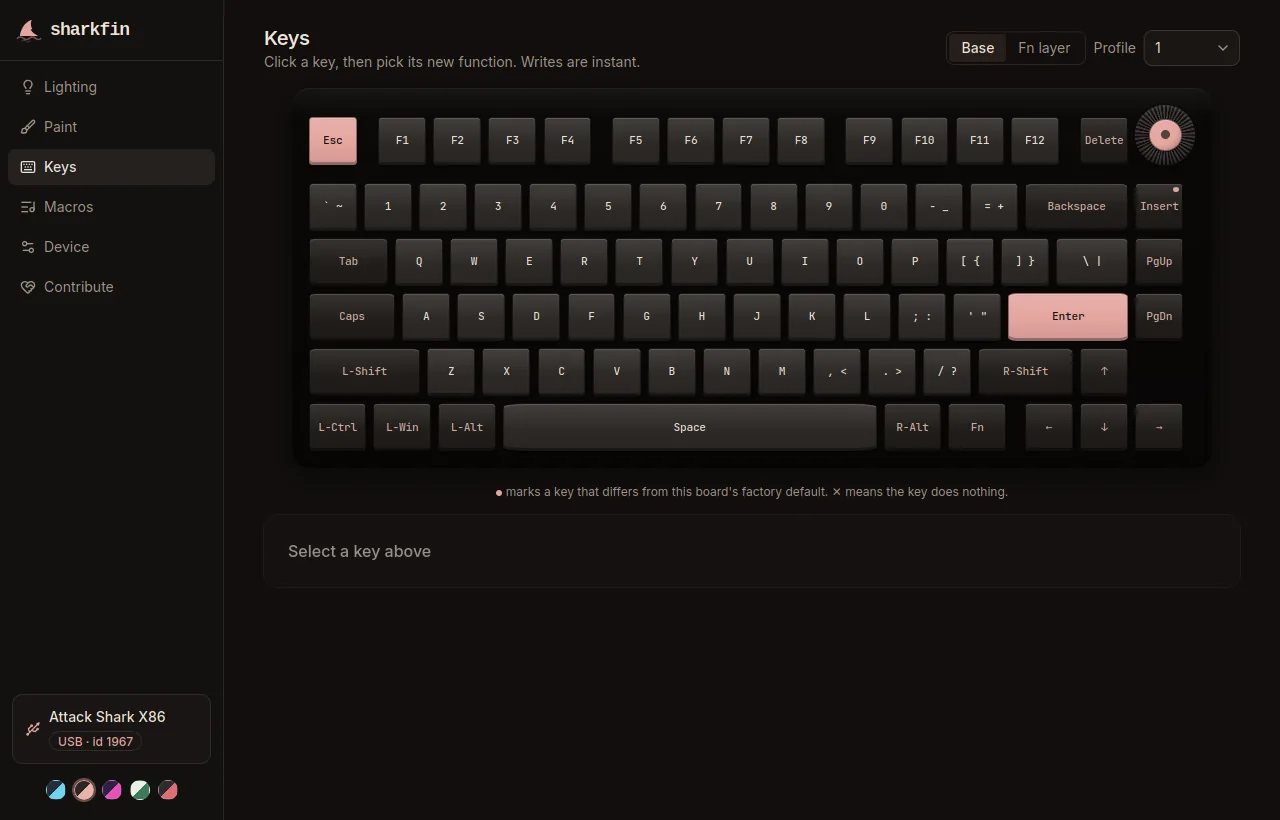
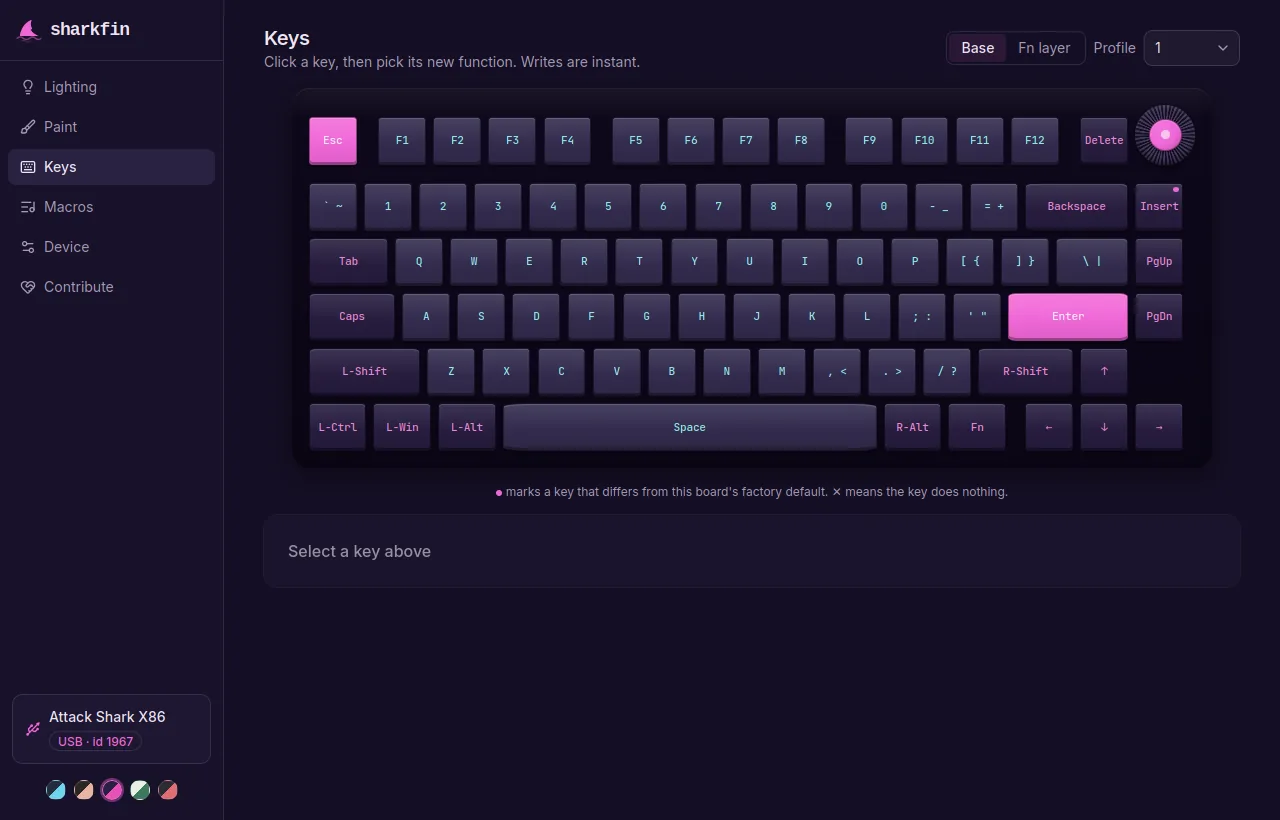
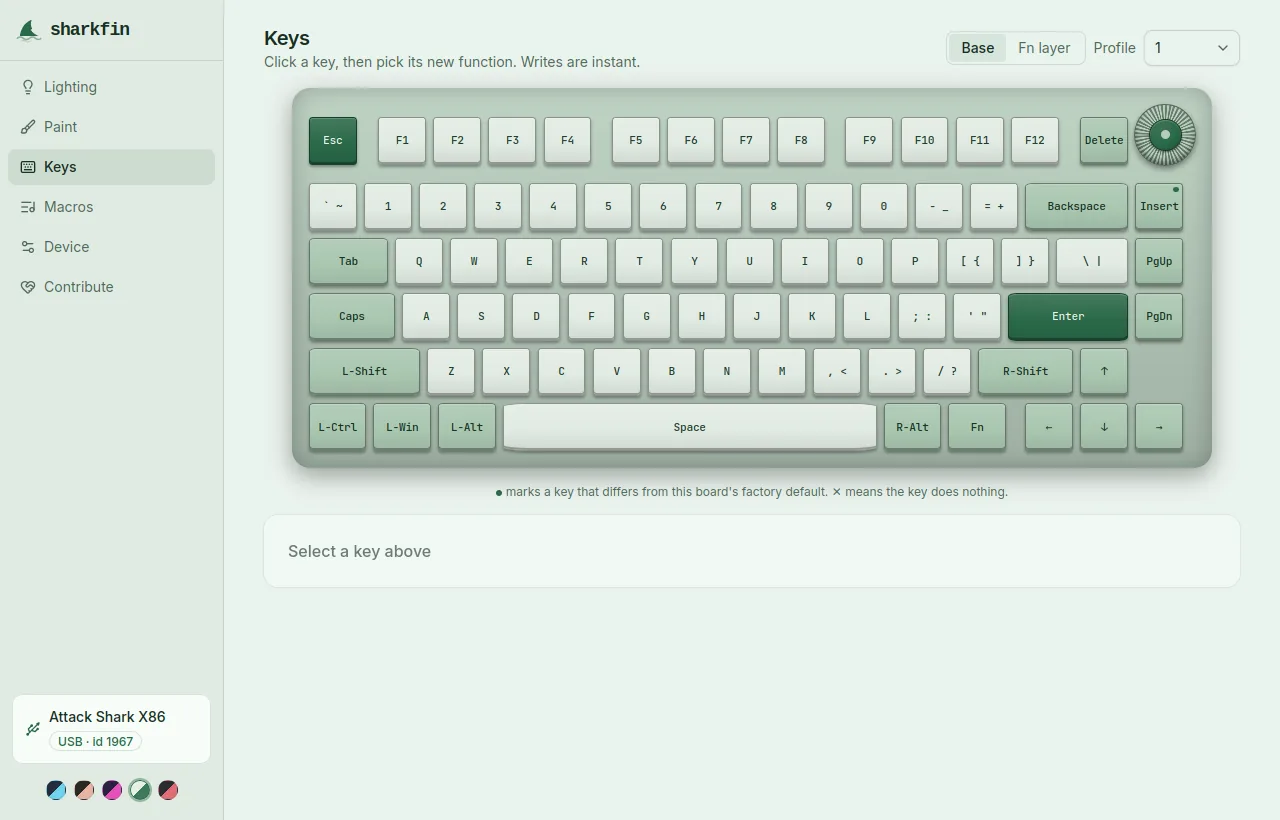
Features
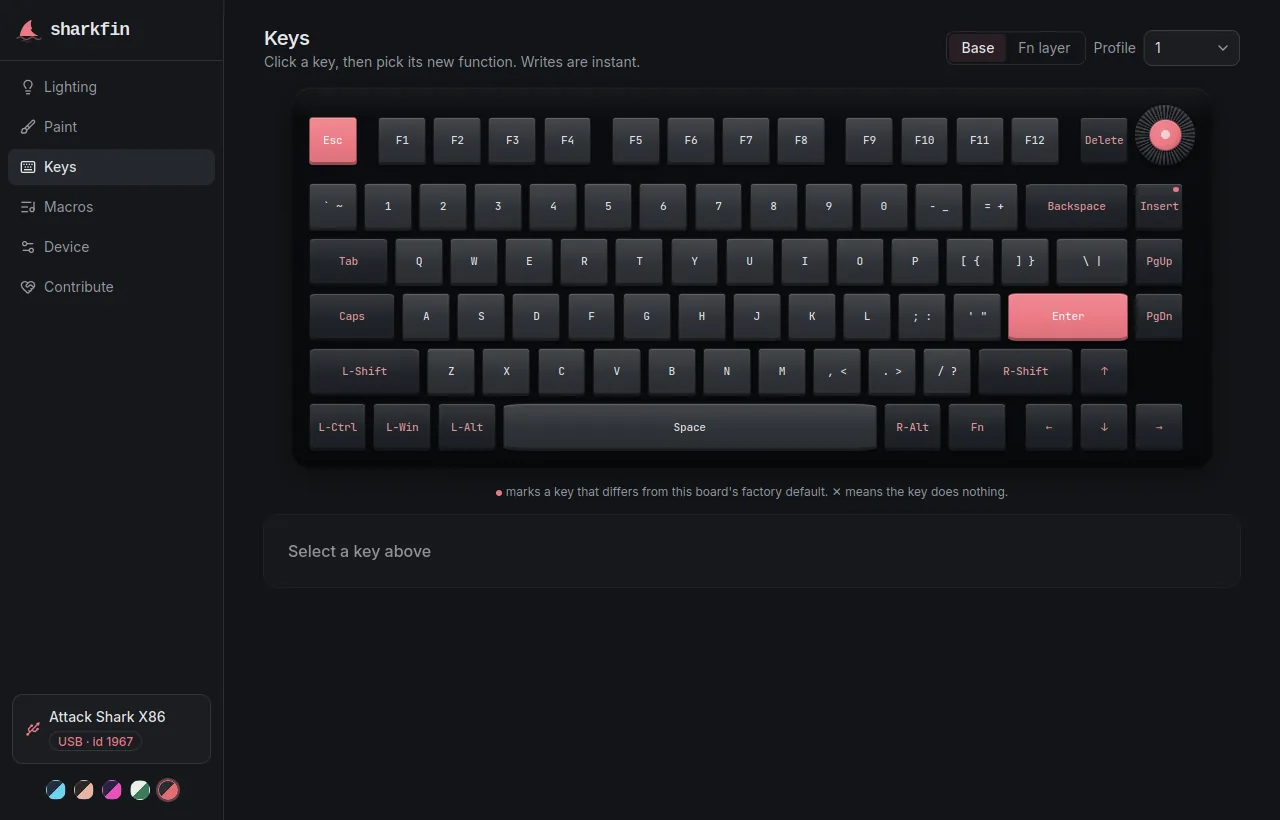
- Keys. Click a key on a picture of the board and give it another key, a mouse button, cursor movement, the scroll wheel, a macro or a media control. Base and Fn layers, and the knob. Each write lands on the keyboard at once.
- Lighting. The effects the board's own firmware has, 18 on most boards, with direction, colour, brightness and speed. The effect runs on a picture of the board as you change it. A slider writes to the board when you let go of it. Edge-light controls appear where the board has edge LEDs.
- Paint. Colour individual keys and send the pattern to the board. Sending is a separate click and is paced, because the pattern lands in the keyboard's flash.
- Macros. Record key and mouse sequences with per-event delays into the 50 onboard slots, and bind a key to one on either layer: repeat, toggle, or while held.
- Switches. On magnetic boards: actuation point, release point, rapid trigger, dead zone, dynamic keystroke, mod-tap, toggle and snap, per key or for every key. Writes are open where the firmware has been read, and Setup can open them for your board.
- Device. Debounce, Windows-key lock, WASD and arrow swap, backlight off, host-OS auto-detect, sleep timers, factory reset, and a picture for the display on boards that have one.
- Backup. Export keymaps, lighting and settings to a file and restore them later. Macros and per-key paint are not in the file. Profiles are stored on the board itself.
- Setup. For a board sharkfin does not know: a few tests and questions that take it from read-only to working, with a report that can make it work for everyone. See Setup.
Supported boards
sharkfin talks to keyboards built on ROYUAN hardware. Most report USB vendor ID 3151; some ship under their brand's own.
The board is identified from its own reply when plugged in, so you are never asked which model you have.
| Boards in the registry | 1412 |
| Writable out of the box | 1180 |
| Command set asked of the board at connect, writable once you allow it | 228 |
| Drawn key by key out of the box | 372 |
| Drawn after a one-time confirmation against your board | 833 |
A board with no drawn picture still works: you get a grid of key slots, or you can draw the board on the Keys tab. A board that is not in the list at all is read from its own answers, and the Setup page allows changes and checks them one by one. What "supported" means, state by state: Support.
Safety and privacy
- sharkfin writes settings, never firmware. Nothing to brick. If the board stops answering, unplug it for ten seconds. Safety
- No write goes to a board whose command set is unknown. The board says which one it speaks.
- The browser build makes no requests of its own once loaded and is handed the keyboard's settings channel, never its typing. No account, no analytics, no cookies. Privacy
Questions
Is my keyboard supported?
Plug it in and sharkfin says what it sees. The board list has one page per model with its USB ids and what sharkfin can do on it. A board that is not in the list is read from its own answers and set up from the Setup page.
I'm on Linux. Do I need a udev rule?
The .deb, .rpm and Arch packages install it. For the AppImage or the browser build, paste this into a terminal and replug the keyboard:
echo 'SUBSYSTEM=="hidraw", ATTRS{idVendor}=="3151|0461|046a|0db0|145f|14a5|2ea8|3121|3299|331a|374a|379a|38a9|38ee|391d|3984|39a8|39ab|54ab", MODE="0660", TAG+="uaccess"' \
  | sudo tee /etc/udev/rules.d/70-sharkfin.rules >/dev/null \
&& sudo udevadm control --reload-rules && sudo udevadm trigger Rules from VIA, Vial or a vendor package may already suffice. sharkfin shows the same command when it finds a keyboard it cannot open. More in Linux.
Do I need a cable?
For writes, yes. Over a 2.4 GHz receiver sharkfin reads whatever the receiver relays: some carry the settings channel, some carry nothing, and the same model ships with both, so there is no per-board answer. Plug the receiver in and the app says which yours is. Bluetooth has no settings channel. Settings are stored on the keyboard, so they keep working wirelessly afterwards.
Can it brick my keyboard?
It never flashes firmware. The worst known failure is the board ignoring USB until you replug it: close the app, unplug for ten seconds, plug back in. Typing keeps working the whole time.